
Doc / CSV / Python script (ZIP + PDF)What to do when a host, package or CI system may have leaked the keys your agents use: a 30-minute first-response runbook (pause sending/paying agents, rotate at the issuer, revoke delegated OAuth grants, check for misuse), a secrets inventory template ranked by blast radius, an incident record, and rotation_check.py, which flags unrevoked, stale or unowned credentials and refuses real secret values.
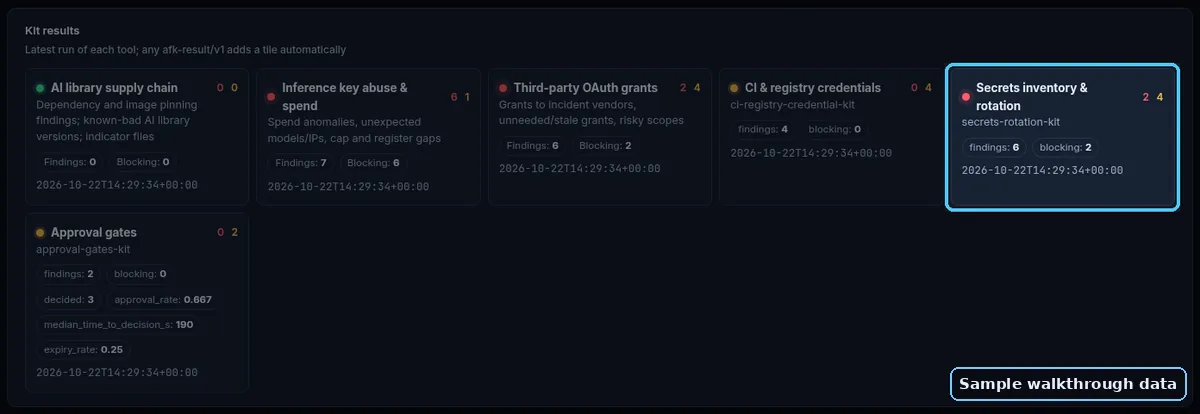
What's inside
01_Exposure_Response_Runbook.md02_Inventory_Guide.md03_Incident_Record.md04_Hosting_Platform_Env_Var_Exposure.mdsecrets_inventory.csvrotation_check.pyUPDATE_2026-10-22.md11_Agent_Secrets_Rotation_Kit.pdf: every document in one printable guide
Verify it works
python3 rotation_check.py --selftestprintsselftest ok.python3 rotation_check.py secrets_inventory.csv --incident-store host-env --today 2026-10-22lists the example rows still sitting in the exposed store, sorted by blast radius, and exits 1.- Replace the example rows with your own (no secret values; the checker blocks anything that looks like a key). Re-run until it exits 0 for your incident store.
- Open
01_Exposure_Response_Runbook.mdand walk sections 0-3 with your incident owner; log work in03_Incident_Record.md. Python 3.9+, no installs.
Oct 2026 update (section 04)
- [ ] All hosting-platform variables inventoried across every environment (names only).
- [ ] Each one rotated at its issuer and the old value revoked.
- [ ] New platform API tokens created; services redeployed.
- [ ] Secrets ever typed in a terminal rotated; history cleared; ignore-space set.
Preview
First part of the main document, shown as-is:
Secret Exposure Response Runbook (for teams running AI agents)
Use this when a platform you depend on reports that stored secrets may be exposed (a hosting provider's environment variables, a compromised package release, a leaked CI log), or when you find a key where it should not be. Agents make this worse than usual: one agent often holds model-provider keys, tool tokens, OAuth grants for social or email accounts, and database credentials at the same time.
Rule zero: rotate at the issuer, not at the store. Changing a value in your host's variable panel does not invalidate the old value. Revoke or regenerate it at the service that issued it (model provider, Stripe, GitHub, the database), then update every place that reads it.
0. First 30 minutes
- Name an incident owner and open an incident record (use
03_Incident_Record.md). - Freeze risky automation: pause agents that can send, post, pay or deploy until their credentials are rotated. Read-only agents can keep running.
- Pull the list of affected secrets from
secrets_inventory.csv(filterstore= the exposed platform, orconsumerscontaining the compromised package/runner). - Sort by blast radius:
money>send_as_user>write_data>read_data>low. Rotate in that order.
1. Rotate (per secret)
For each row, in blast-radius order:
1. Create the new credential at the issuer. Prefer a narrower scope and a shorter lifetime than the old one.
2. Update every consumer listed in the row. Containers usually read variables only at startup, so redeploy or restart each consumer.
3. Revoke the old credential at the issuer. If you need zero downtime and you are not confident it leaked, run old and new side by side briefly; if it may have leaked, revoke first and accept the short outage.
4. Record rotated_at, old_revoked_at and the person who did it in the inventory.
Delegated OAuth grants (social, email, calendar, CRM)
A scheduling or posting tool that stored OAuth tokens for your accounts is a secret store. Revoke the app's access from each account's own "connected apps" settings; this works even if the tool itself is down. Reconnect only after the tool confirms it has cleaned up.
Package or runner compromise
If a dependency release was malicious, assume every secret readable on the machine or container where it was installed is exposed. Some malicious packages run at interpreter start, before your code imports them, so "we never imported it" is not a safe answer. That includes environment variables, cloud CLI profiles, SSH keys, browser-stored passwords on that machine. Pin to the last known-good version, rebuild from a clean machine, then rotate.
2. Look for misuse
- Provider usage dashboards: unexpected spend, models, regions or request volume since the exposure window opened.
- Audit logs at each issuer: new keys, new OAuth apps, permission changes, logins from unfamiliar places.
- Outbound actions by agents: posts, emails, DMs, payments, refunds, deploys you didn't approve.
- Databases: unexpected row counts, new users or roles, dumps. Keep screenshots or exports; retention on many plans is short.